


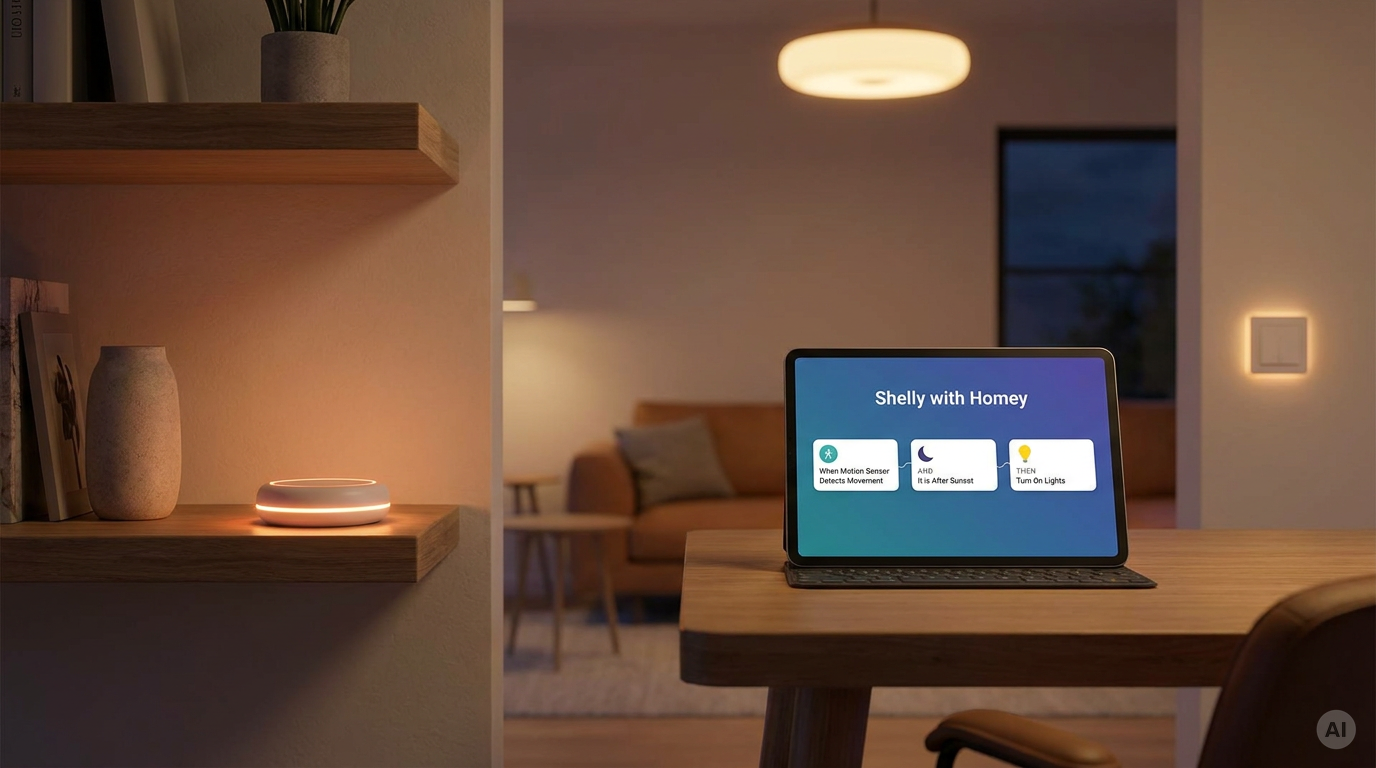
Shelly devices can be added to Homey and used in Homey Flows, the platform's automations. This page is a short overview of how the integration works, what it supports today, and where its limits are.
What is Homey
Homey is a smart home platform by Athom. Homey Pro is a local hub with Wi-Fi, Zigbee, Z-Wave, Thread, Matter and Bluetooth radios. Users add devices through apps from the Homey App Store and automate them with Flows: When something happens, And a condition is true, Then do something.
How the integration works
The Shelly Control app
-
Shelly Control is the official Homey app, published by Allterco Robotics (Shelly). The user installs it on Homey Pro from the Homey App Store and adds Shelly devices from it.
-
One app covers several ways to connect, and the device list shows each one: LAN (Wi-Fi devices on the local network), Matter, Zigbee (Gen4 and ZB devices), BLE (Shelly BLU sensors and buttons) and Z-Wave (Shelly Wave devices).
-
Once added, each device appears in Homey with its controls and becomes available in Flows as a trigger, condition or action.
The Shelly (Legacy) app
-
The earlier Homey app, Shelly (Legacy), is in legacy mode. It still serves older devices such as Gen1, and Homey asks users to install Shelly Control for new devices.
What works today
| Area | What the user gets in Homey |
|---|---|
| Relays and plugs | On/off control; Flow triggers when turned on or off |
| Dimmers and bulbs | Brightness and colour control (Dimmer Gen3/Gen4, 0/1-10V, Duo and Multicolor Bulb) |
| Covers | Shutter and curtain control (2PM in cover mode, Plus 2PM, Wave Shutter) |
| Energy metering | Power, power factor, imported, exported and total energy as Flow triggers (EM Gen4, Pro 3EM, Pro EM-50, PM devices) |
| Inputs and buttons | Switch inputs, button press types and analog or count inputs as Flow triggers |
| Sensors | Temperature, humidity, door/window, motion, flood, smoke and presence zones (Presence Gen4) |
| Virtual components | Boolean, number, enum and button changes as Flow triggers |
| Device status | Triggers when a Shelly error or flag appears or clears |
The exact list differs by device and connection type. A device added over Matter, for example, has fewer Flow cards than the same device added over LAN. The full list is on the app page in the Homey App Store.


