











Which Wi-Fi Smart Home Devices Suit a Hub-Free Setup?
Your installation environment and the appliances you want to control decide which Wi-Fi smart home devices fit, from behind-switch modules to plug-in units and DIN-rail controllers.
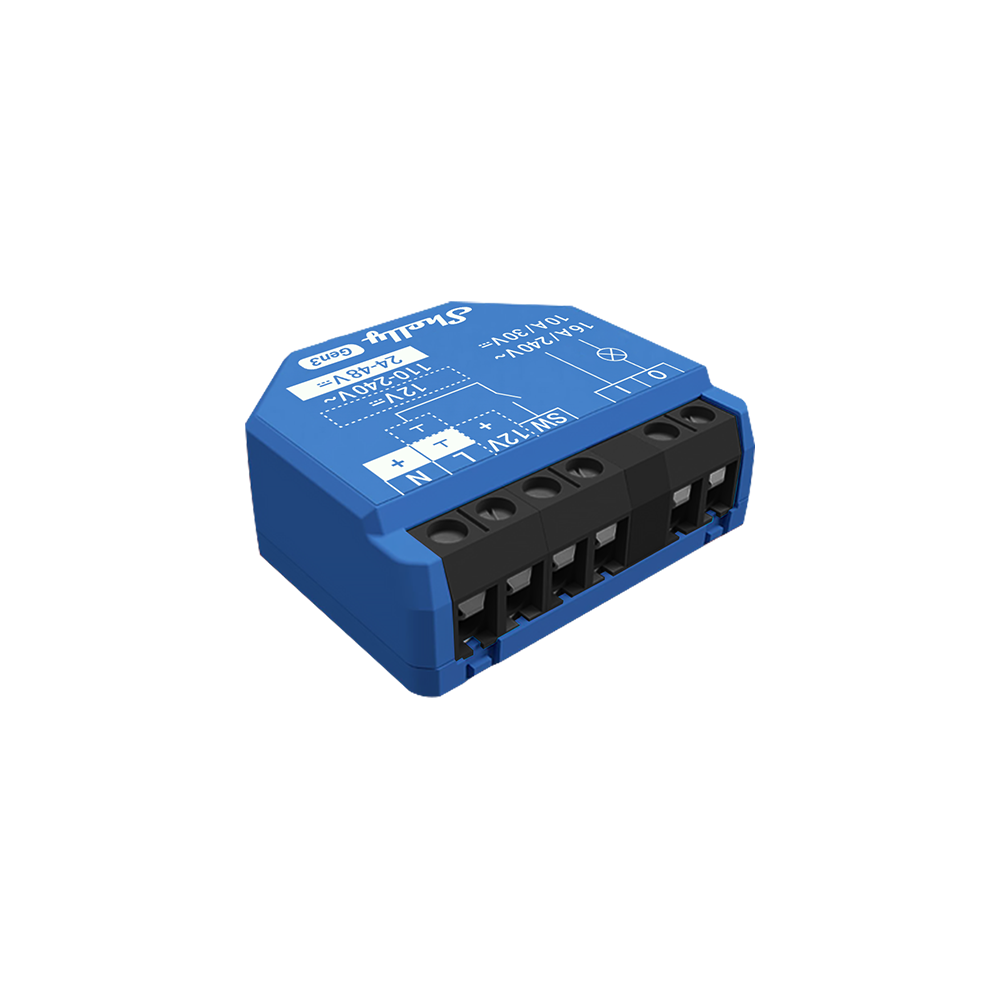
- Retrofit switch installations: If you are upgrading existing wall switches without rewiring, Shelly 1 Mini Gen3 fits into compact flush-mounted boxes and connects directly to your home network.
- Plug-and-play appliances: If you need immediate control and monitoring for freestanding electronics, Shelly Plug S Gen3 provides instant Wi-Fi connectivity and power tracking without any electrical work.
- Professional DIN-rail automation: If you are automating a distribution board for a new residential or commercial build, Shelly Pro 1 mounts directly to the rail for robust, hub-free control.
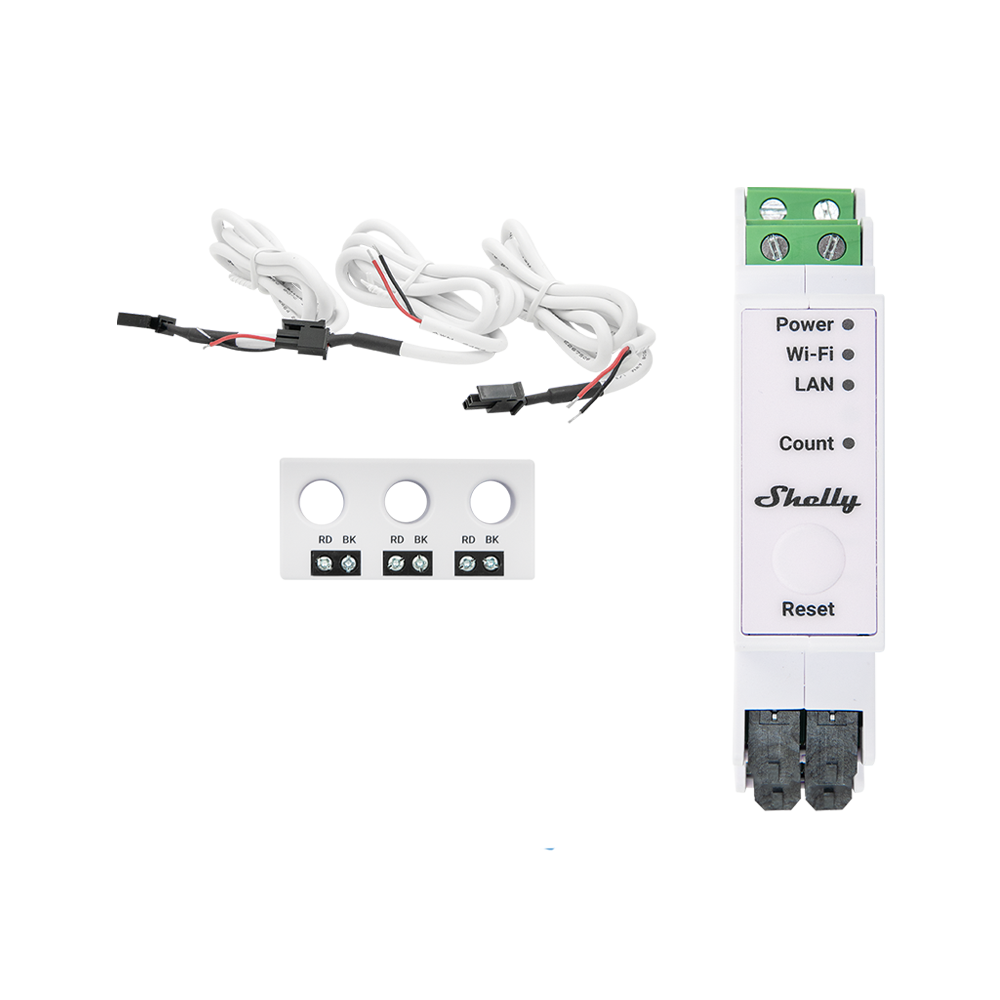
- Whole-home energy tracking: If you want to monitor consumption across multiple phases or heavy loads, Shelly Pro 3EM delivers precise data directly to your Wi-Fi network.
Network Range, Power and Placement Checks for Wi-Fi Devices
A Wi-Fi smart home setup depends on network coverage, device placement and the power available at each installation point.
- Network coverage and router capacity: Ensure your router can handle multiple concurrent connections. While Shelly devices support direct connections, larger homes or areas with thick walls may require Wi-Fi access points for better signal coverage.
- Circuit compatibility: Match the relay to the circuit you are switching. Consumer Wi-Fi relays like Shelly 1 Gen3 suit standard residential circuits, while Pro DIN-rail models cover heavier loads.
- Neutral wire availability: Check your existing wall boxes. Standard Wi-Fi relays require a neutral wire to maintain continuous power for their network connection.
- Installation environment: Determine if the device will live behind a switch, in a wall socket, or inside a distribution board. This dictates whether you need a compact Mini module, a smart plug, or a Pro series DIN-mountable unit.
App, Local and Voice Control for Wi-Fi Smart Home Devices
Wi-Fi smart home devices connect through your home network, so setup depends on coverage, placement and app requirements.
- Network coverage: Check that your Wi-Fi signal reaches the installation point or room where the device will be used.
- Local and app control: Use supported devices for app control, local actions and routines through your home network.
- Setup planning: Review power, mounting and device type before adding Wi-Fi devices to a larger system.
Extending Your Wi-Fi Smart Home Room by Room
Wi-Fi smart home devices can help you build routines across different rooms without adding a separate hub. Explore existing home upgrade ideas, smart lighting for room scenes, or the Shelly Smart Control App to manage devices through your home network.


