This instruction describes app-to-app account linking from an Android mobile device in two different flows depending on which app would you decide to use as a default.
Prerequisites
Before you start, make sure you have:
-
Shelly Smart Control app installed on your mobile device.
-
Amazon Alexa app installed on your mobile device.
App-to-app account linking starting from the Shelly Smart Control app
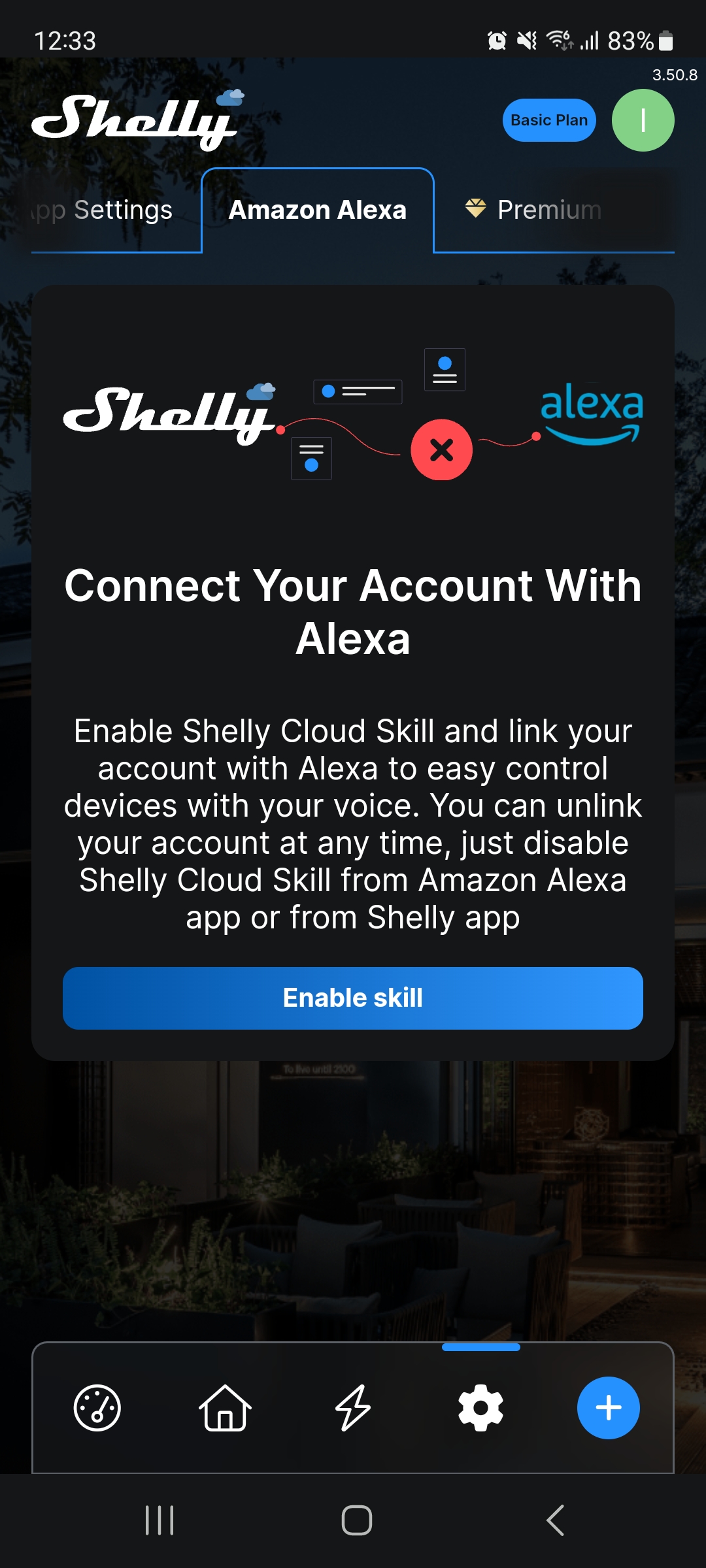
1. From the Settings menu, select Amazon Alexa > Enable skill.
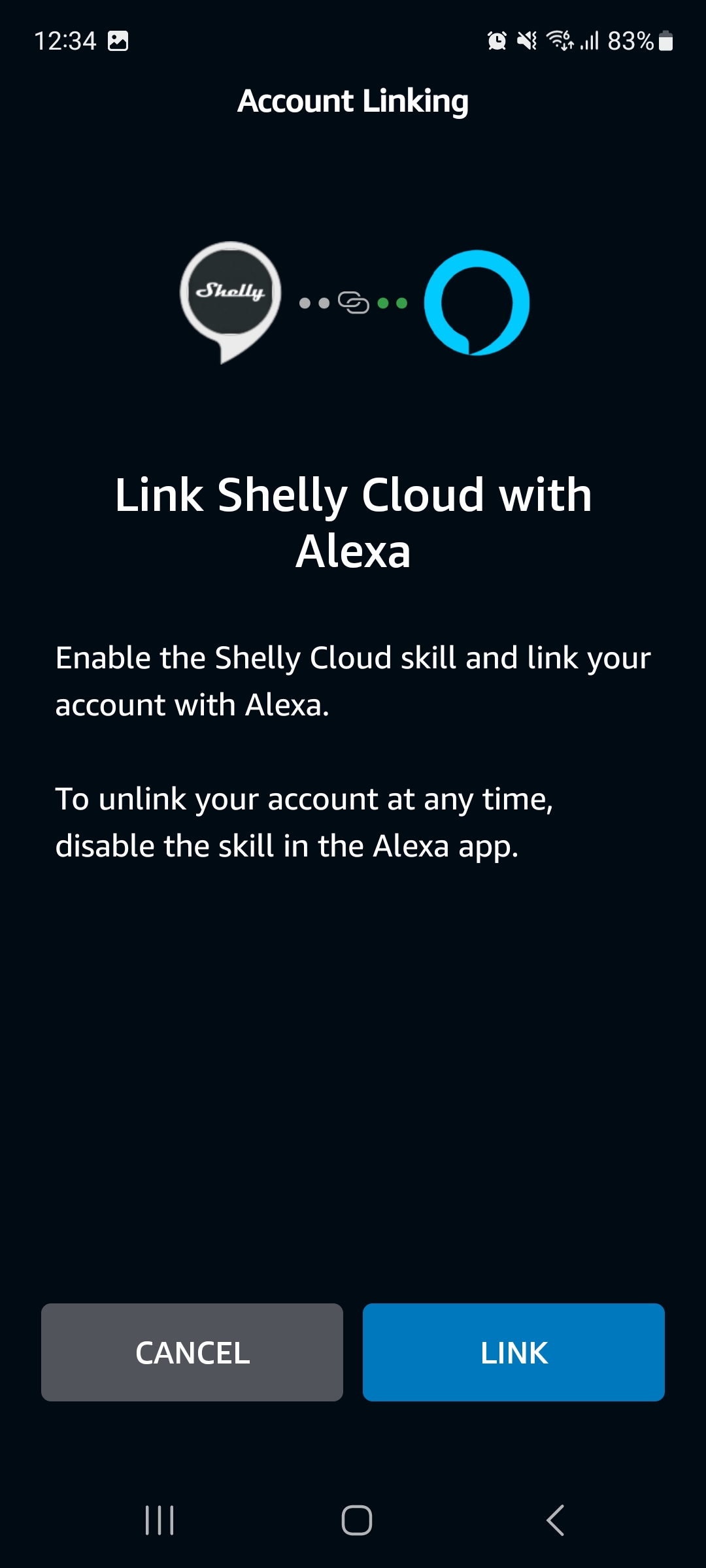
2. Select Link.
-
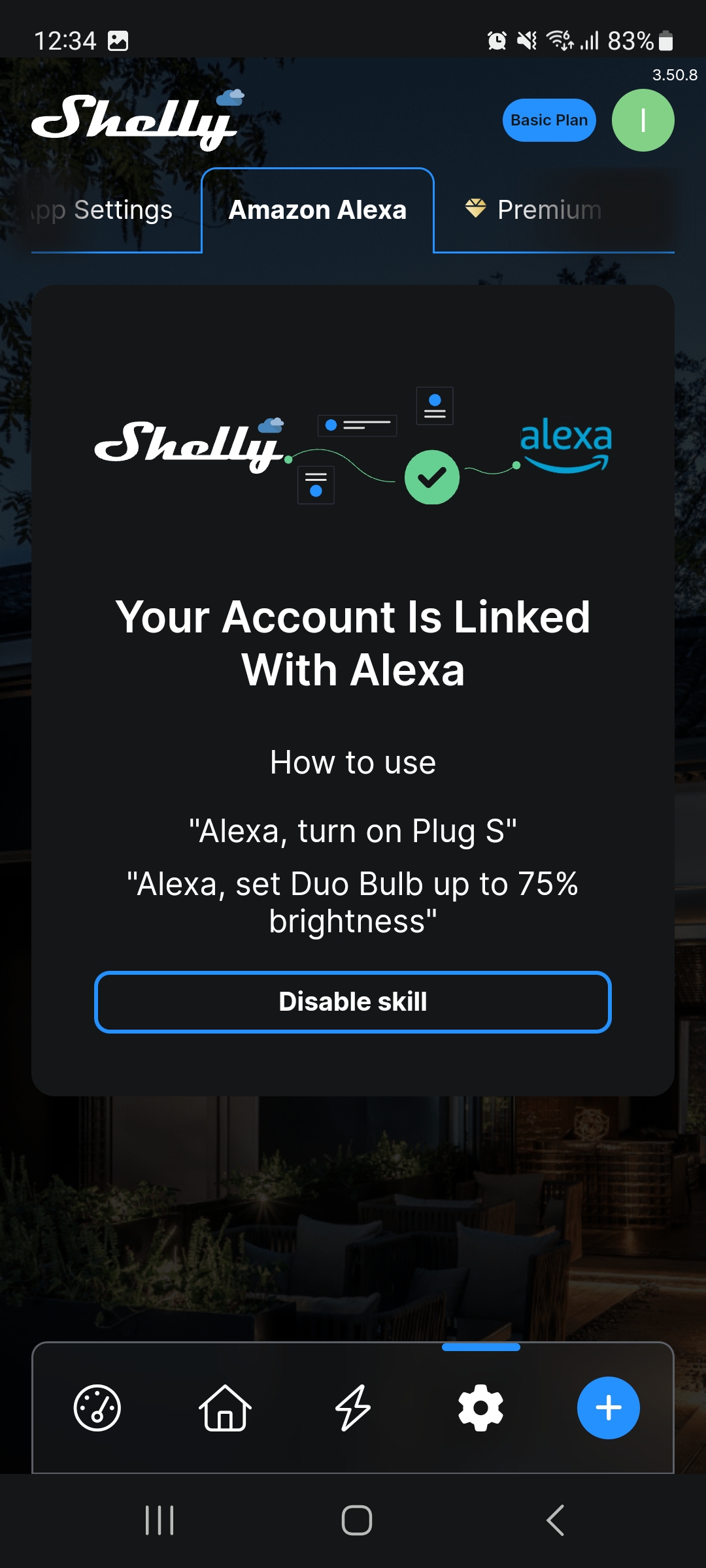
A confirmation appears that your accounts are linked.
-
You will also receive an email confirmation for the linkage.
App-to-app account linking starting from the Amazon Alexa app.
-
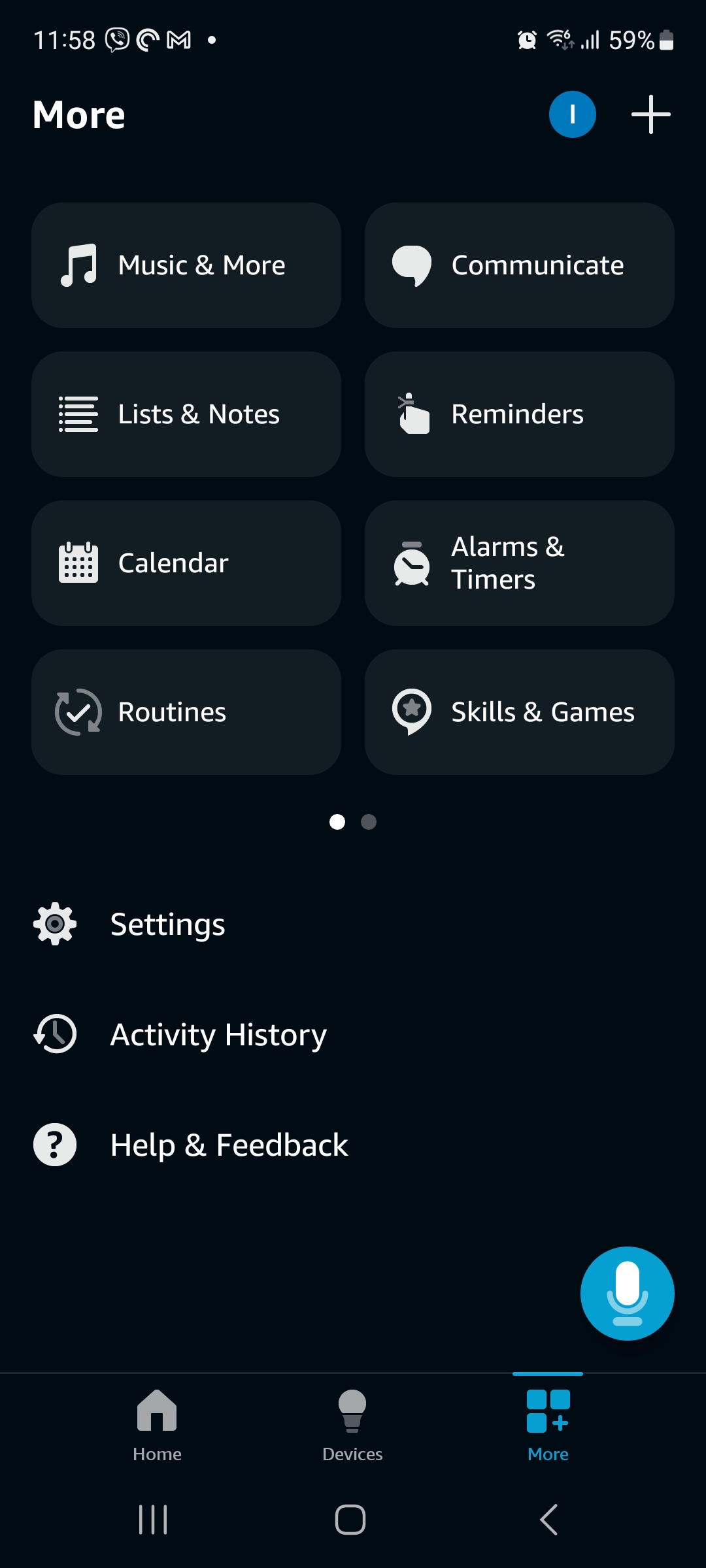
Select More at the lower-right corner of the screen.
-
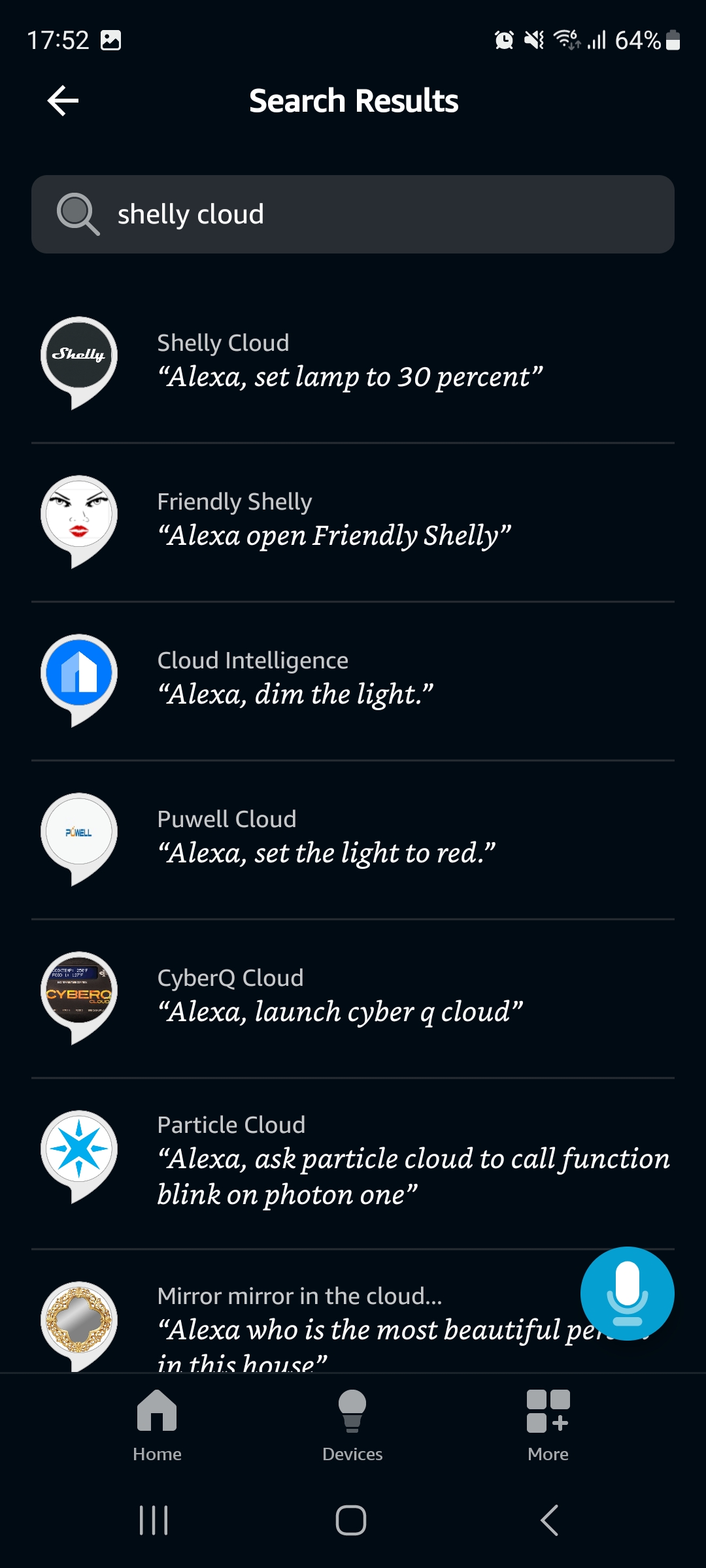
Type Shelly Cloud in the search field.
-
From the list of results, select Shelly Cloud.
-
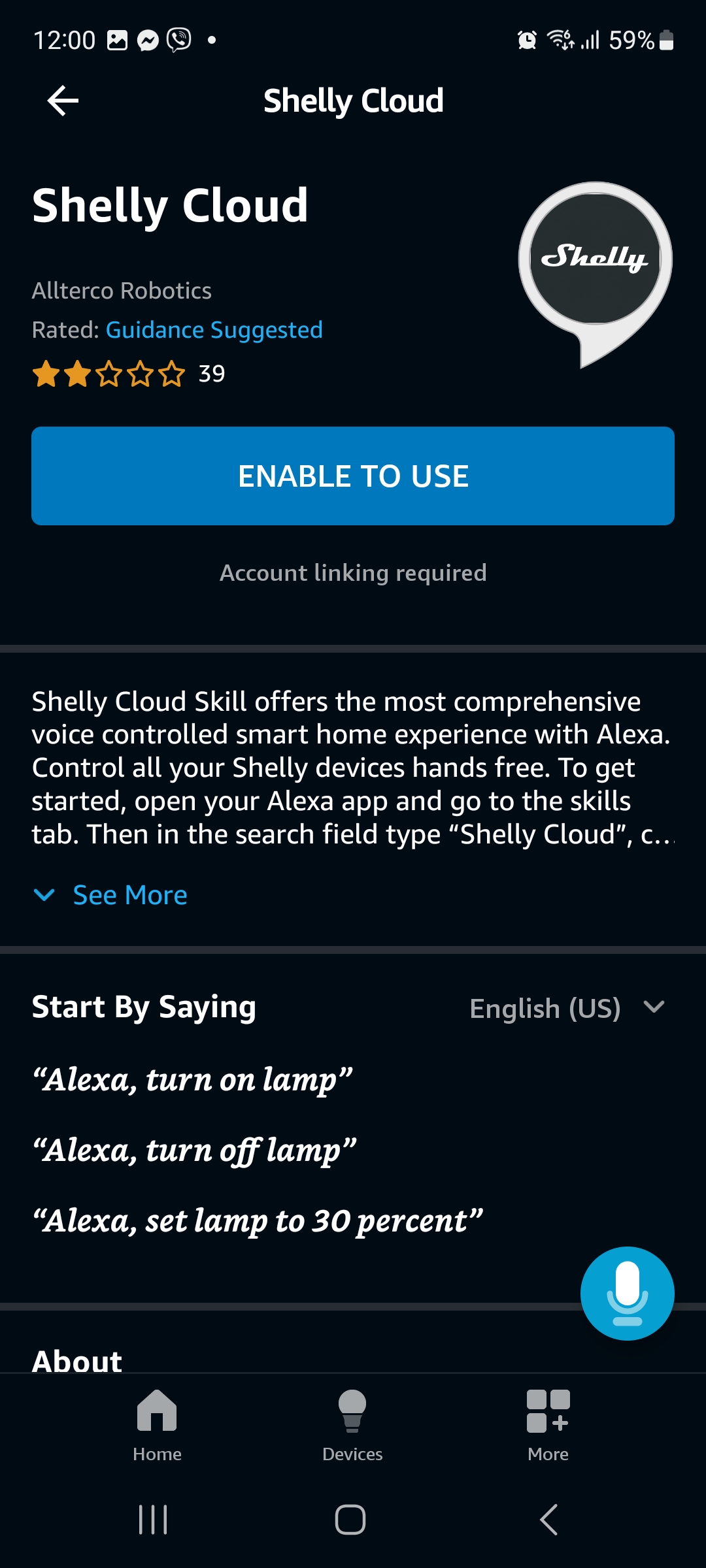
Select ENABLE TO USE.
-
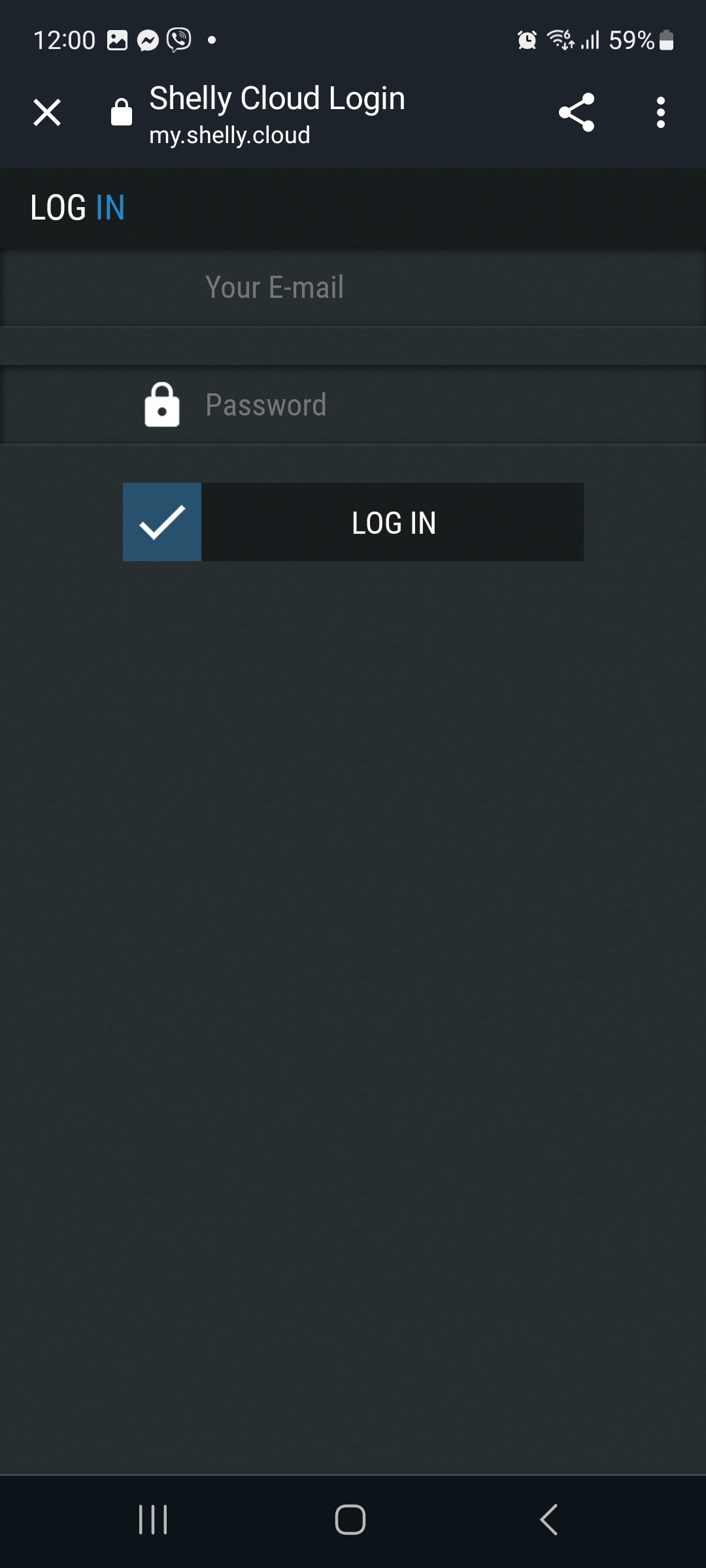
Log in to your Shelly Smart Control account.
-
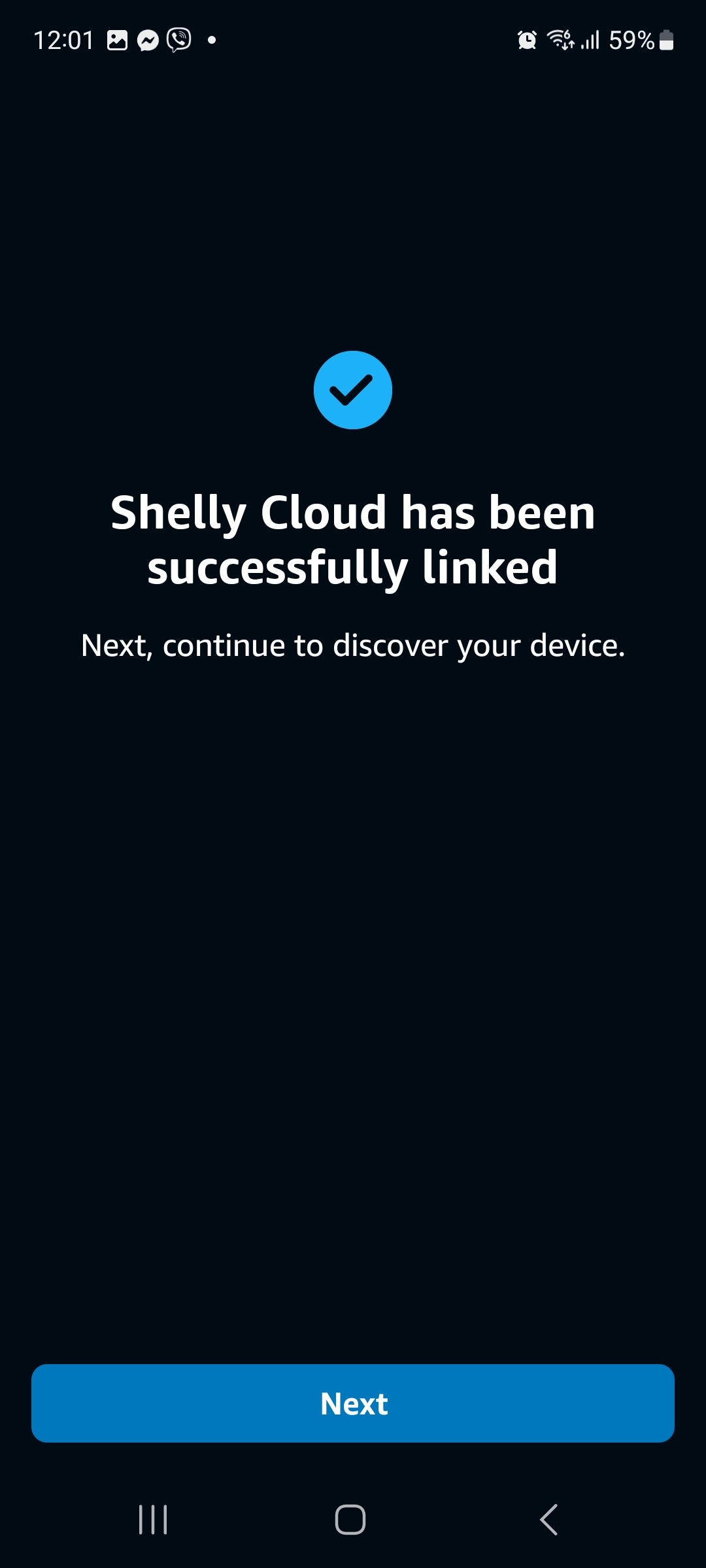
A confirmation appears that your accounts are linked.
-
You can continue with setting up your devices one at a time.