No, the protocol is used only for device inclusion, allowing for quick and easy setup through the Shelly Smart Control app.
For bluetooth control it is required to have another Bluetooth device such as Shelly BLU Button or Shelly BLU Motion to interact.
Additionally, Shelly devices can function as a BLE gateway, bridging Shelly BLU devices to your Wi-Fi network.
Do I need a gateway to use the device?
Yes, to use this device with the Shelly Smart Control app, a gateway is necessary. Compatible gateways are Shelly BLU Gateway, or alternatively any Shelly Plus, Pro, Gen3 or Gen4 device (excluding sensors) can act as a gateway.
Is it possible to use the device without a hub?
Yes, Shelly devices (except for Wave devices) operate independently without the need for a hub. They connect directly to your Wi-Fi network, and you can control them via the Shelly Smart Control app, web interface, or through integrations with platforms like Google Home, Alexa, Home Assistant and Samsung SmartThings.
What is the screen size of the Shelly Wall Display X2?
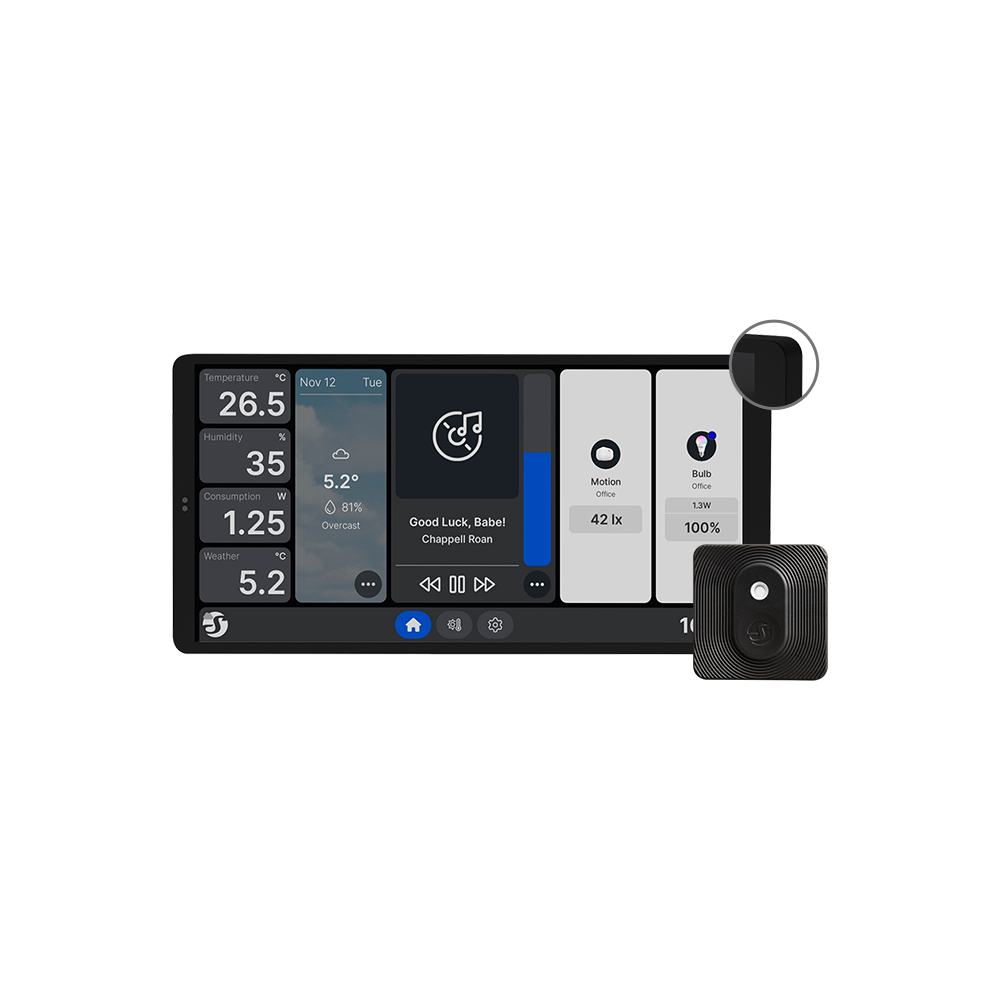
The Shelly Wall Display X2 features a 6.95-inch touchscreen. This sizable display allows for intuitive control of various smart home devices, including lights, thermostats, and more.
Can the Shelly Wall Display X2 replace an existing light switch?
Yes, the Shelly Wall Display X2 is designed to fit into a standard electrical box, allowing it to replace an existing light switch. It includes built-in relay functionality, enabling it to add smart capabilities to existing circuits when wired in place of a traditional switch.
Does the Shelly Wall Display X2 support MQTT for integration with other smart home systems?
Yes, the Shelly Wall Display X2 supports MQTT integration.