

















Building Your Home Automation System: Where to Begin
Decide how to scale your setup by installation, load, and protocol. Most Wi-Fi devices run hub-free, while Zigbee and Z-Wave require a compatible gateway, and Gen4 adds Matter support.
- Behind-switch retrofitting: For existing wall switches, Shelly 1 Gen4 offers Wi-Fi, Bluetooth, Zigbee, and Matter control up to 16 A.
- Professional control cabinets: For commercial DIN-rail setups, Shelly Pro 4PM delivers four channels with LAN and Wi-Fi connectivity.
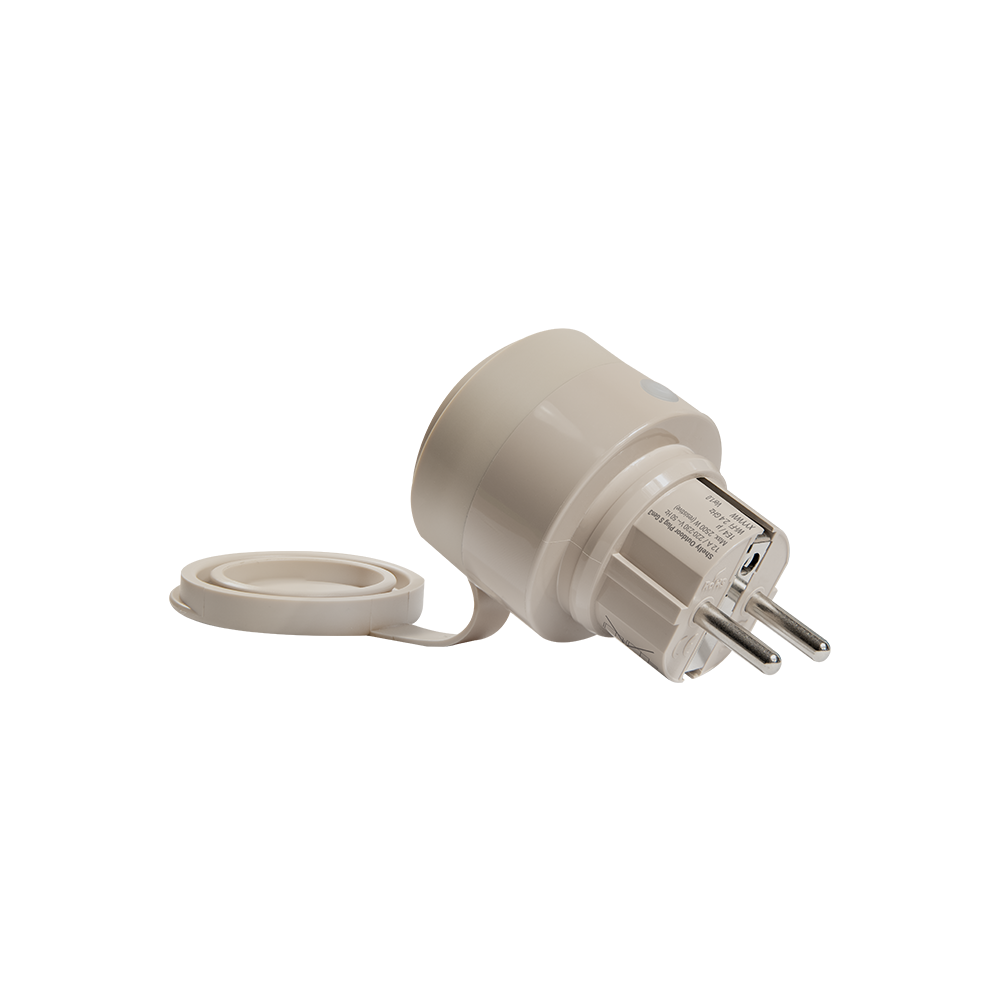
- Plug-and-play appliances: For quick monitoring without wiring, Shelly Plug S Gen3 offers immediate power tracking and switching.
- Whole-facility energy monitoring: For heavy-duty 3-phase power tracking, Shelly 3EM-63T Gen3 measures up to 63 A per phase.
- Battery-operated sensors: For wireless automation triggers, Shelly BLU Motion tracks room movement via Bluetooth without mains power.
Smart Home Technology: Protocols, Power and Installation Checks
For a complete smart home setup, match protocols, power needs and installation requirements before choosing devices.
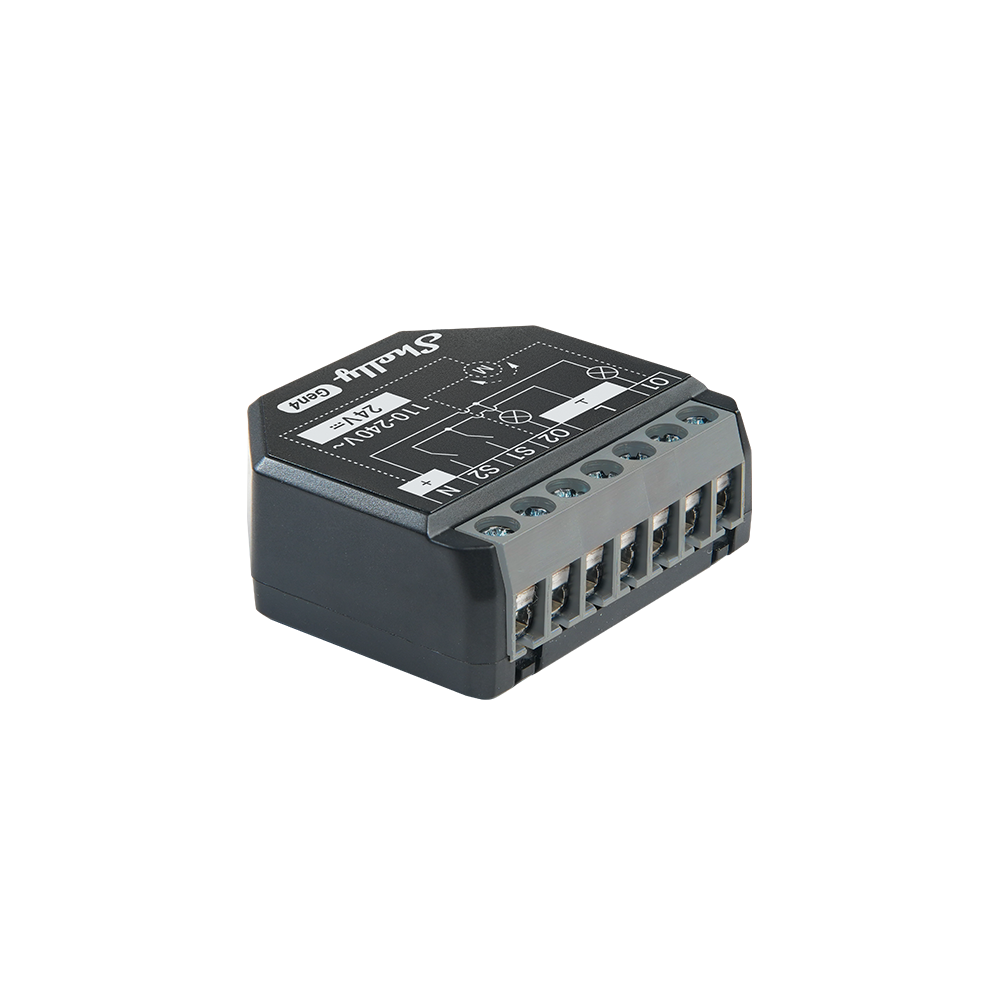
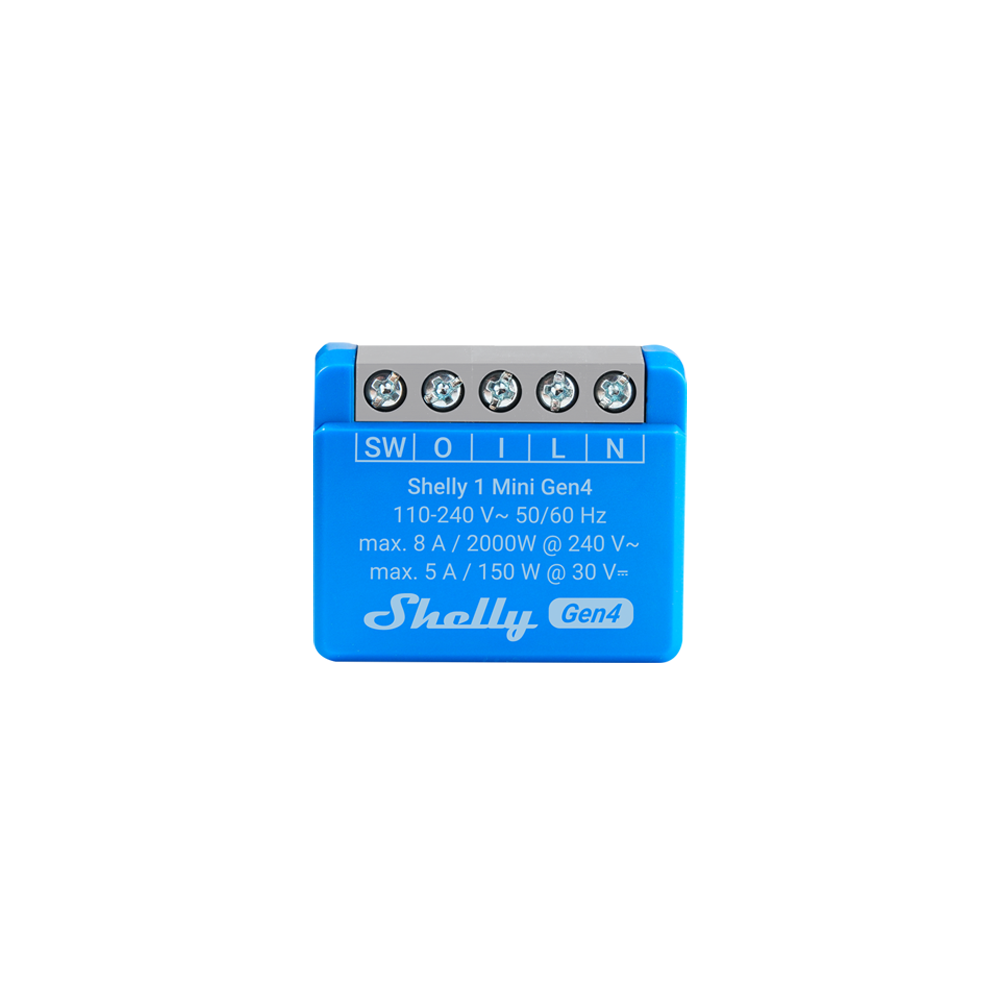
- Installation space and wiring: Check whether you are mounting devices behind standard wall sockets, inside distribution boards, or directly on appliances. This determines if you need a compact retrofit module like Shelly 1 Mini Gen4 or a DIN-mountable Pro device.
- Maximum amperage and load types: Verify the peak current of your connected circuits. Standard modules like Shelly 1 Gen4 support up to 16 A, while heavy-duty or three-phase systems require dedicated metering like the Shelly 3EM-63T Gen3.
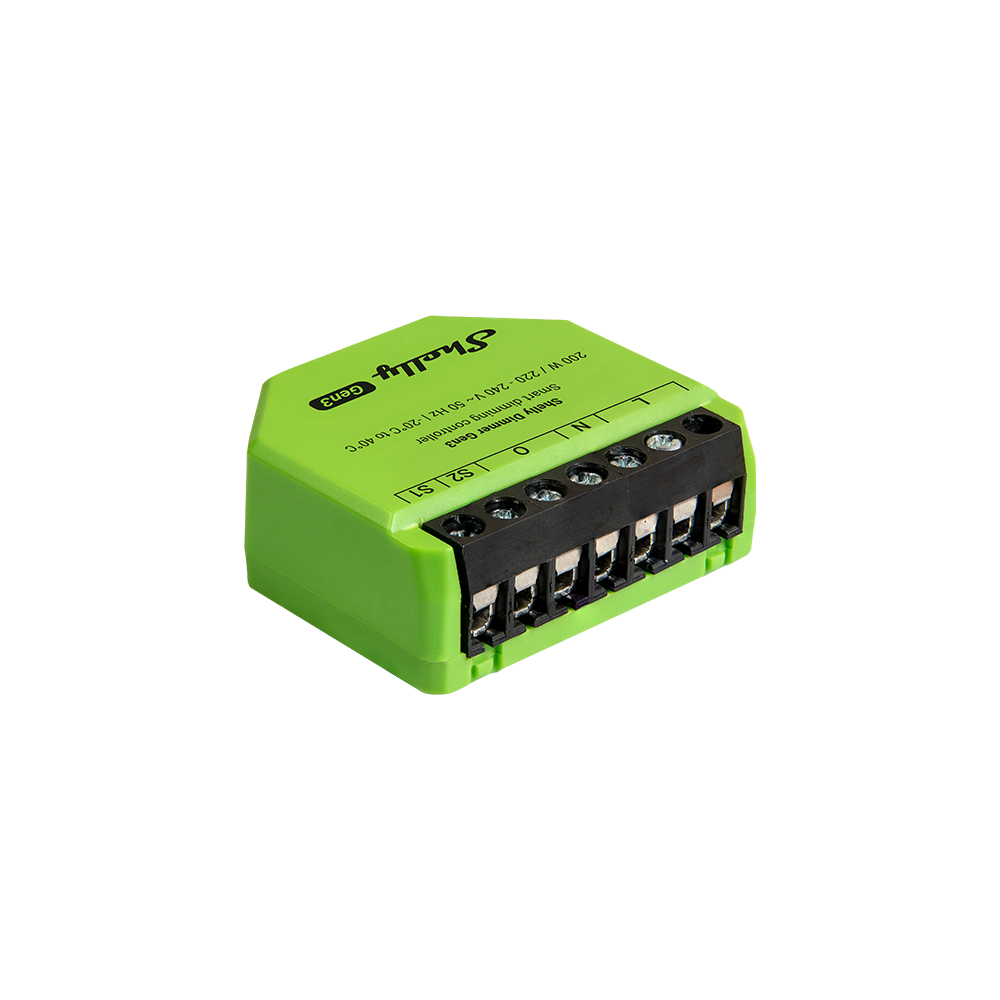
- Neutral wire availability: Confirm if your switch boxes have a neutral wire. Most standard Shelly relays require one, but specific models like the Shelly Dimmer Gen4 can operate without a neutral when used with a bypass.
- Communication protocols: Determine if your project relies on standard 2.4 GHz Wi-Fi, long-range Z-Wave networks, or wired LAN connections. This dictates whether you select a standard Gen4 Wi-Fi relay, a Shelly Wave 1, or a Shelly Pro LAN switch.
- Local control vs. cloud access: Decide if your facility requires strict offline operation. All UL-certified Shelly components support local execution, allowing you to run automations without an active internet connection.
Connecting Shelly Smart Home Devices Across Your System
Shelly smart home devices can be combined across different rooms, protocols and installation types. Start with the system you want to build, then choose devices that fit each role.
- Control and automation: Select devices for switching, dimming, scenes or schedules based on the task.
- Energy and monitoring: Add meters, sensors or supported devices when you need visibility into consumption or conditions.
- System growth: Combine compatible devices across Wi-Fi, Z-Wave, Zigbee, Matter, LAN or Bluetooth Low Energy as your setup expands.
Planning Your Shelly Home Automation System
After exploring the Shelly range, you can plan your setup around rooms, routines or installation type. Explore smart home automation for system planning, existing home upgrades for retrofit projects, or energy-efficient building ideas when control and monitoring are both important.


